
Legacy Software — this app is no longer actively maintained, but is available for free.
Image conversion made easy
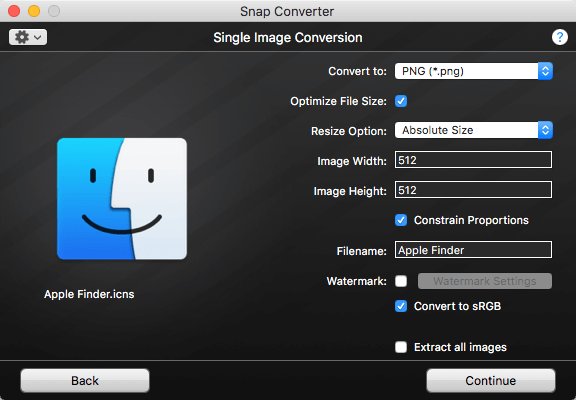
With Snap Converter, you can convert a variety of image formats, resize, apply watermarks, bulk rename files, and more. The program supports many image file formats, including bitmaps, Mac and Windows icons, several Camera RAW types, Portable Document Format (PDF), Photoshop (PSD), and more.
Highlights
- Snap Converter makes image conversion easy with an intuitive drag and drop interface. It supports standard bitmap types as well as digital Camera Raws, PDF, Photoshop, and more. View the complete list of supported file types.
- Batch convert hundreds or thousands of images. Let Snap Converter do the work for you. Optionally resize all images using several different resizing options.
- Apply text and image watermarks to your conversions.
- Bulk rename files in batch mode.
- A simple, intuitive drag and drop interface. Drag any file to Snap Converter, choose your conversion options, and then drag and drop your converted image anywhere.
System Requirements
Mac OS X 10.6 or later.
Privacy Policy
Snap Converter does not collect personal information. View the full privacy policy.